Physical Address
304 North Cardinal St.
Dorchester Center, MA 02124
Physical Address
304 North Cardinal St.
Dorchester Center, MA 02124

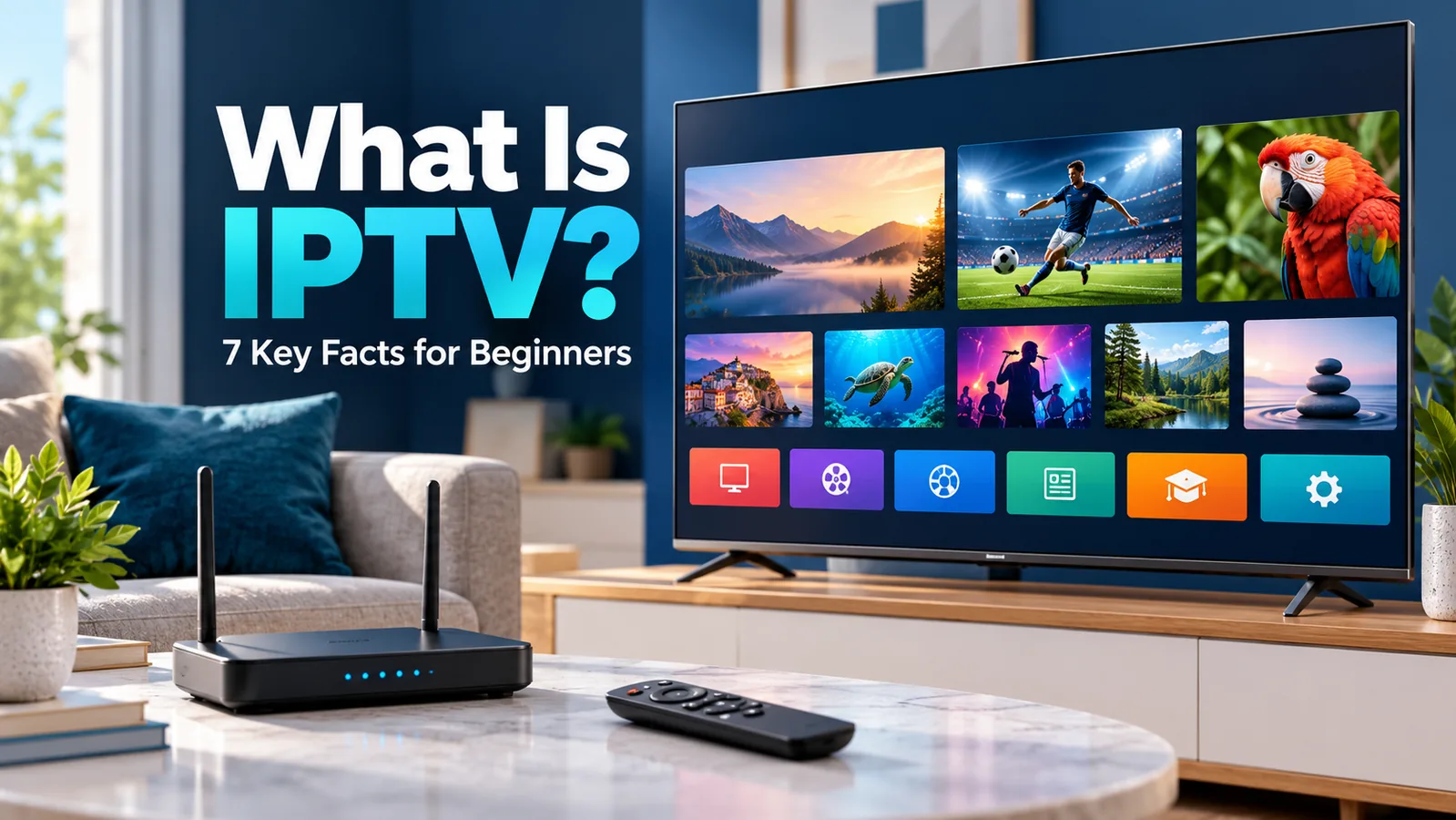
Understand IPTV before installing an app or paying for a service. This beginner’s guide explains players, providers, regional availability, equipment, and a practical checklist for getting started.
What is IPTV? IPTV stands for Internet Protocol Television: television delivered using IP networks. In technical usage, it often refers to an operator-managed television service. Online, the same term is also used more loosely for TV streams watched through internet apps.
That difference matters when you are setting up a smart TV. A subscription, a player app, and a list of channel links are three different things. Buying or installing one does not automatically give you the others, and an impressive channel list tells you little about who is authorized to distribute it.
This guide explains seven practical facts about IPTV, with a checklist you can use before downloading an app or entering payment details. It is written for readers worldwide, so availability, local requirements, and device support should always be checked for your own country.
Internet Protocol is a set of rules used to move data across networks. IPTV applies IP-based delivery to television and related media. The important point is that the name describes the delivery technology; it does not identify a specific company, catalogue, or subscription package.
The International Telecommunication Union’s IPTV definition emphasizes managed IP networks designed to support service quality, security, interactivity, and reliability. This is why an operator’s television service may be described as IPTV even when it comes with a dedicated box and a broadband contract.
OTT, short for over-the-top, generally describes services delivered over the public internet without requiring the viewer to use that service’s own access network. A broadcaster’s streaming app is a familiar example. Everyday discussions often call these services IPTV too, although the technical categories are not identical.
| Term | What it describes | What to check |
|---|---|---|
| Managed IPTV | Television delivered through an operator-managed IP network | Broadband eligibility, equipment, and package terms |
| OTT television | TV delivered through an internet service or app | Country availability, supported devices, and account requirements |
| IPTV player | Software that opens compatible media sources | Whether content is included and which formats are supported |
For a beginner, these labels are useful only if they help answer a practical question: who supplies the programmes, and what do you need to watch them? If a product page explains the interface but says nothing about the source of its channels, investigate before assuming it is a complete TV service.
A television service prepares video for network delivery, sends it through its distribution system, and makes it available to a compatible receiver. Your device receives the data, decodes the video and audio, and displays the programme. The exact path depends on the service and network design.
Playback commonly uses a short buffer: a small amount of video held ahead of what you are watching. When new data stops arriving quickly enough, that buffer can run out and the picture pauses. An interruption can originate in the service, your connection, or the device, so buffering is not automatically proof of a slow broadband plan.
Do not assume a service includes all three. Recording, restart, and catch-up features can differ by channel, subscription, and region. An electronic programme guide, or EPG, shows schedule information; it does not by itself mean you can replay yesterday’s broadcast.
Before subscribing, choose one programme you care about and check how you would watch it. Is it live only? Can you start late? Does replay expire? This small check is more useful than comparing long feature lists that may not apply to your preferred content.
A provider supplies access to content. A player supplies the interface for opening compatible sources. Some services combine both in their official app, while standalone players expect you to bring a source separately.
A player can therefore install successfully and still show no channels. That does not necessarily mean it is broken. It may be waiting for an authorized playlist, a supported account, or another source specified in its documentation.
For a closer comparison, read our guide to the seven differences between an IPTV player and a provider.
An M3U playlist is a list of media references. In streaming use, entries can point to network locations rather than local files. The playlist is not a broadcasting licence, a guarantee of working links, or evidence that the person sharing it has distribution rights.
For example, imagine paying for a player’s premium interface because it offers favourites and a better programme guide. Those features may improve navigation, but they do not purchase a television subscription. Check what the payment unlocks before buying: software features, content access, or both.
Also check compatibility in the other direction. A valid subscription does not guarantee that its channels can be opened in any third-party player. A service may require its own app, supported devices, and content-protection system. Use the provider’s setup instructions rather than assuming it offers a playlist.
Free access can come from a broadcaster’s own website, an authorized ad-supported service, or a channel that makes its programming publicly available. A service charging money can also distribute content without permission. “Free” and “paid” describe pricing, not proof of authorization.
For this guide, an authorized source means the broadcaster itself or a distributor permitted to offer that content in the relevant market. Rules and viewing requirements vary by country. A service offered without a subscription fee may still involve account registration, advertising, data charges, or local television-licensing requirements.
None of these checks alone proves that every programme is licensed. App-store availability, a professional website, customer reviews, and a working trial are not substitutes for distribution permission. If you cannot establish where the content comes from, choose a clearer source.
You do not need to collect random channel lists to learn how IPTV works. Starting with an official service lets you understand playback, programme guides, and device setup without adding an unknown supplier to the process.
You generally need a compatible viewing device, network access, and access to the chosen content. Some services also require an account, a subscription, a particular broadband connection, or supplied equipment. The service’s supported-device list is more useful than a box advertised simply as “IPTV ready.”
Not always. A supported smart TV app may be enough. A computer, phone, tablet, or streaming device can also work when the service supports it. An operator-managed package may require its own receiver, so check before buying an unrelated box.
Smart TV compatibility depends on more than screen size. Record the brand, model number, operating system, and approximate model year. An app available for one manufacturer or generation may be missing on another. Follow official store links instead of downloading an unfamiliar installation file to solve a compatibility problem.
There is no single speed requirement for everything described as IPTV. Resolution, compression, frame rate, simultaneous streams, and other household activity affect demand. Use the chosen service’s published connection recommendations rather than a universal number from a seller.
If playback struggles, test one stream first. Compare Wi-Fi with Ethernet where your device supports it, pause large downloads, and try another supported device. Change one variable at a time. Buying a faster package before checking the local connection can leave the actual problem untouched.
Watching over mobile data can use your allowance. As an illustrative calculation, a stream averaging 5 megabits per second transfers about 2.25 gigabytes in one hour before overhead. This is a mathematical example, not a measured requirement for a particular service; adaptive streaming can change the actual amount.
Distribution rights are often territorial. A service may operate in several countries while offering a different catalogue in each. Travelling can also change which channels or features an existing account can use.
For a concrete example, YouTube TV’s official travel guidance describes its United States availability and viewing restrictions while travelling. It should not be presented as an option that every reader worldwide can subscribe to and watch locally.
Before choosing any service, verify these three details on its official website:
An app appearing in a search result does not answer all three. Neither does a payment page accepting your currency. Check account eligibility and viewing rules before paying, especially if a recommendation was written for a different country.
For a worldwide audience, a good comparison names the country being discussed and dates any availability checks. When a service is unavailable locally, look for an authorized local broadcaster or distributor instead of assuming the restriction is a technical fault.
The easiest starting point is one programme or channel, one authorized service, and one device. This keeps the setup understandable and gives you a clear place to ask for help if something goes wrong.
If your chosen service already has an official app for your device, begin there. If it explicitly supports external players and provides a source, choose a compatible player. If you only have a player but no content source, return to the broadcaster or service-selection step.
This order helps avoid two common purchases: a player licence mistaken for a subscription, and a streaming box that cannot run the app you actually need. Test a supported setup first, then consider optional extras once you know what is missing.
IPTV stands for Internet Protocol Television. It describes television delivered using IP networks. Technical definitions emphasize managed networks, while everyday usage also includes some internet TV apps and streams.
Not exactly. Netflix is generally described as an OTT streaming service delivered over the internet. IPTV, in its narrower technical meaning, refers to managed IP television. People sometimes use IPTV more broadly, which causes confusion.
A standalone IPTV player usually needs a separate compatible source. Some apps combine playback and content, so check the product description. Paying for player features does not automatically buy access to television channels.
Some authorized sources provide free access, often supported by advertising or public funding. Others require payment or account registration. Whether a subscription is needed depends on the content service, not the IPTV label.
A VPN is not a general requirement for IPTV. Follow the service’s connection and location rules. A VPN does not provide distribution rights or make an unauthorized stream authorized.
No single app works on every smart TV. Compatibility depends on the service, TV operating system, model, and software support. Check the official device list before buying a subscription or external hardware.
Understanding what IPTV is starts with separating the delivery technology from the company, app, and content you choose. The most useful setup is one that supports your device, offers programmes you actually want, and provides clear access terms for your country.
Your next step: pick one channel or programme, find its official viewing option in your country, and check your device against its support list. That gives you a practical starting point before you spend money on a player, subscription, or streaming box.